
The safest answer to two instagram accounts one phone safe setups is boring, and that is precisely why it works: both Instagram and TikTok were designed for multiple accounts, and their own switchers handle the job better than any cloner. Instagram officially supports adding up to five accounts in one app. TikTok likewise lets you add and switch between accounts in its settings. Cloning these apps is usually unnecessary — and where people get into trouble is rarely the second account itself, but the behaviours around it: third-party “follower booster” tools, automation, and account trading. This guide covers the native switchers first, then when a clone or profile actually adds something, and finally the safety rules that keep both accounts in good standing.
Instagram’s Built-In Multi-Account Switcher
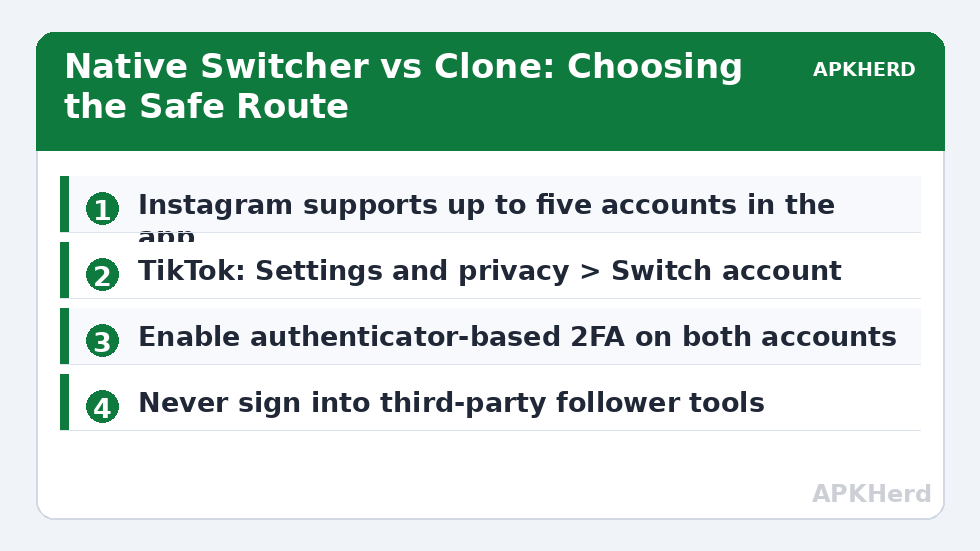
Open Instagram, go to your profile, tap your username at the top, and choose Add account — either log in to an existing account or create a new one. After that, double-tapping the profile icon or long-pressing it flips between accounts instantly, and the app badges notifications so you can tell which account a like or DM belongs to. Each account keeps separate feeds, separate DMs, separate explore-page training. There is no algorithmic penalty for this; Meta documents and maintains the feature.
Three hygiene details matter more than any setting. First, give the accounts different recovery information where the app allows it — the Accounts Centre links Meta accounts together for convenience, which is fine, but understand that a security problem on one linked account can cascade. Second, turn on two-factor authentication for both accounts, ideally with an authenticator app rather than SMS. Third, remember that linked accounts share a device and login environment: if one account is action-blocked for spammy behaviour, the other can inherit scrutiny. Keep both accounts’ behaviour clean and you have nothing to worry about.
TikTok’s Account Switcher
TikTok’s equivalent flow: profile > menu > Settings and privacy > Switch account > Add account. TikTok permits multiple accounts on one device and switching takes two taps. Creators commonly run a public account and a private friends-only account this way, which TikTok’s own help pages describe as normal use. The limits to know: some features (LIVE eligibility, creator monetisation, age-gated settings) are per-account, and new accounts face stricter rate limits on actions like following and commenting — identical behaviour from both accounts in the same hour reads as automation to rate-limit systems regardless of which account does it, so stagger your activity naturally.
When a Clone or Work Profile Actually Helps
Native switchers keep both accounts inside one app, signed in simultaneously, sharing one notification stream and one app lock. A cloned copy or work profile adds hard separation: different app icon, different notification identity, lockable separately, and — in a work profile — the ability to freeze the second account completely during off hours. That matters for social-media managers, sellers running a shop account beside a personal one, and anyone who wants the second account’s app to not exist on their phone after 6 p.m. The tooling for that setup is covered in the Island work profile setup guide, and the same profile can hold the second WhatsApp or Messenger alongside.
What a clone does not add is legitimacy. Instagram’s terms allow multiple accounts but prohibit creating accounts “in an automated way,” impersonation, and using an account to evade enforcement on another. TikTok’s rules are similar. Moving a banned account’s activity into a clone is ban evasion under any reading, and platforms detect it through device, network, and behavioural signals that cloning does not hide. If an account of yours is restricted, appeal through official channels; do not respawn it in a clone and expect a different result.
Safety Rules That Actually Protect Both Accounts
- Never sign either account into third-party “unfollower,” analytics, or follower-boost apps. Token theft via these services is the single most common way dual-account users lose both accounts at once. Instagram and TikTok official apps only, plus their own web logins.
- Do not automate. Auto-like/follow bots violate both platforms’ terms even when run gently, and enforcement often hits every account sharing the device or login.
- Keep recovery paths independent and current. A verified email and phone on each account, 2FA on, backup codes stored offline.
- Be careful with cloned-app sign-ins from unofficial sources. Download Instagram and TikTok only from the Play Store, including inside a work profile — a tampered social app is a credential-harvesting machine. The risks are spelled out in our article on the privacy risks of third-party app cloners.
- Respect each platform’s account rules as written, not as rumoured: business use is fine, multiple personal accounts are fine on both platforms, deceptive or enforcement-evading use is not.
Managing Notifications Without Losing Your Mind
Two social accounts generate roughly double the interruption surface. With native switchers, prune per account: turn off like/comment push for the less important account and keep DM notifications on for both. With a profile setup, the nuclear option — pausing the whole profile — is available and is honestly the healthiest configuration for a work account. If you scale beyond two accounts into proper multi-account management (brand, shop, personal, hobby), the patterns in our guide to managing 5+ social accounts on one device cover labelling, scheduling, and separation hygiene. Everything else in this series sits under App Cloners.
The Professional Layer: Creator and Business Accounts
If one of your two accounts earns money, convert it properly rather than just adding it. An Instagram professional account (creator or business) unlocks insights, contact buttons, and ad tools, and it can be managed from a desktop through Meta Business Suite — which is often the real solution for people tempted by cloner apps “for management.” TikTok similarly offers web-based upload and analytics through TikTok Studio. Managing the money-making account partly from a browser and the personal account from the phone reduces switching errors, gives you scheduling tools that are officially supported instead of bot-adjacent, and keeps the high-value account’s credentials off any third-party mobile tool entirely. The two-account structure stays the same; only your workflow grows up.
Frequently Asked Questions
Is it against Instagram’s rules to have two accounts?
No. Instagram officially supports adding and switching between up to five accounts in the app, and having separate personal, hobby, or business accounts is normal use. What violates the terms is automation, impersonation, buying accounts, or creating a new account to evade a ban or restriction on another one.
Does TikTok allow multiple accounts on one phone?
Yes. TikTok includes an official account switcher (Settings and privacy > Switch account) and permits multiple accounts per device. Each account has its own eligibility for features like LIVE and monetisation, and new accounts have tighter action limits, so build activity gradually rather than performing identical actions from both accounts at once.
Should I clone Instagram instead of using the built-in switcher?
Only if you need hard separation — a separately lockable app, an independent notification identity, or the ability to freeze the account entirely inside a work profile. For ordinary personal-plus-hobby use, the native switcher is simpler, updates cleanly, and carries zero compatibility risk.
Can Instagram or TikTok link my two accounts together?
Yes, assume they can. Platforms associate accounts that share a device, login details, phone number, or Accounts Centre link. That association is harmless when both accounts follow the rules; it matters only if one account is used for spam or ban evasion, in which case the other may face restrictions too.
My second account got restricted while my main one is fine. What happened?
Usually rate limits on a new account (aggressive following, liking, or commenting shortly after creation) or activity that automated systems read as bot-like. Slow down, verify your email and phone, and use the in-app appeal if a formal restriction was applied. Do not create a replacement account to dodge the restriction — that converts a temporary limit into a ban-evasion case.